Your event, down to the last detail.
Design an instant photo strip with room for your logo and message. Change fonts, place decorations and use themed artwork that can overlap the photo edges.
Give colleagues and guests something to do together—and something to take home. Build a photo experience around your event, your team and your brand.
Create your design first. Hosting is invitation-only; paid business plans are not open yet.

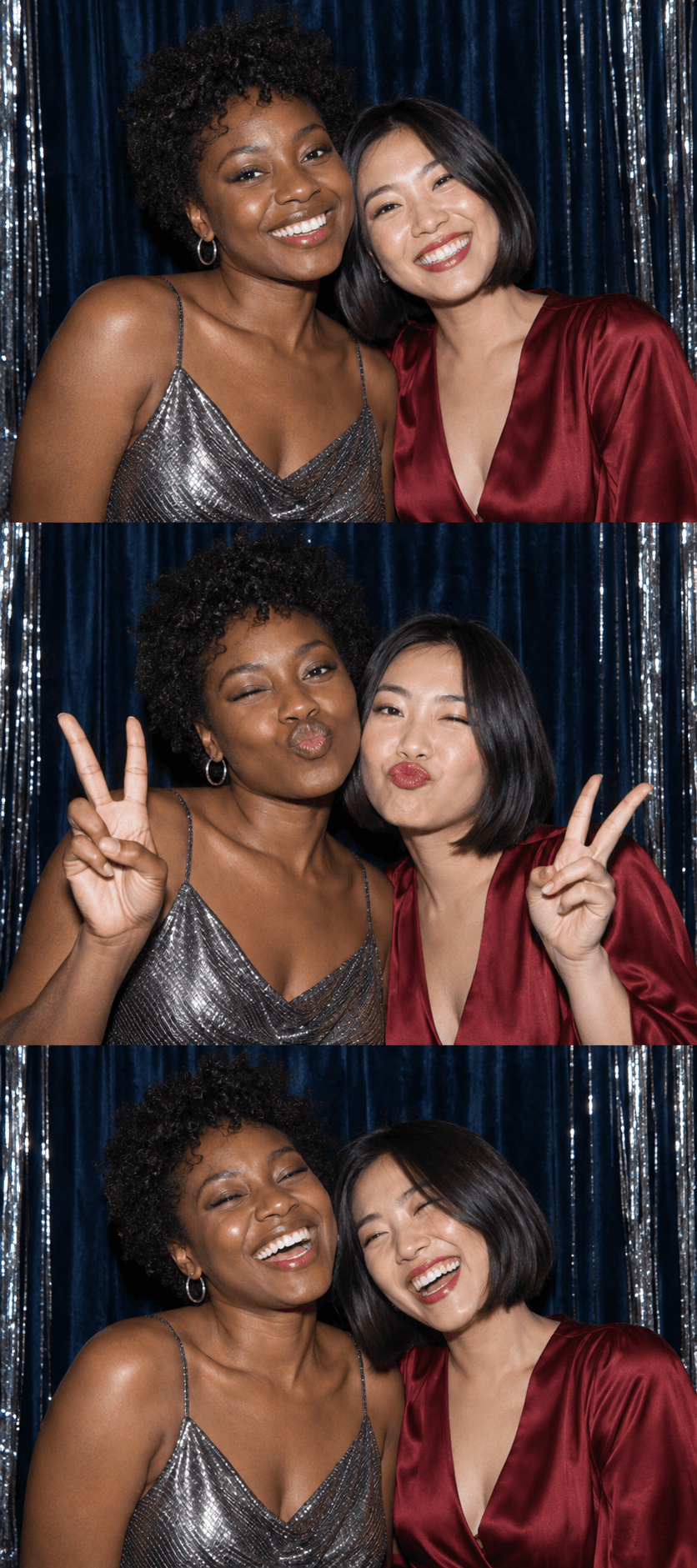 Good people.
Design an instant photo strip with room for your logo and message. Change fonts, place decorations and use themed artwork that can overlap the photo edges.
Use a paired kiosk for an organised photo spot, or let guests join Party mode on their own devices. Organisers control both modes from the booth settings.
Review the organiser gallery, approve or hide photos in bulk, and prepare ZIP downloads. Guests can save their own strips and share a personal QR with others in the photo.
Start with a name and your timezone. Add your branding after saving, and test the camera before you welcome guests.
Pick your frames, add your logo and choose a dispenser style.
Save your booth ID and contact us about the business pilot. No payment is taken when you create a design.
Open your activated business booth, pair a kiosk or show the Party QR, and invite the first guests.
Business photos and their sharing links expire 30 days after capture. Download the ones you want to keep. Your booth design and QR stay in place across active subscription renewals.
Monthly and yearly business plans. Prices are not published yet. One booth per subscription. Paid checkout is not open yet.
During the pilot, complimentary access renews until cancelled; cancellation takes effect at the current period end.
Talk to us about the pilot ↗No. A one-time event pass suits a single event, with a duration selector for consecutive days. Business subscriptions are for an ongoing booth. Paid checkout is not connected yet; complimentary pilot access and eligible free-access event vouchers can be arranged separately.
The organiser builds the available frame collection and chooses whether to lock one design or let guests choose. Supported layouts include a photo strip, portrait, stack, storyboard and collage.
Yes. Require approval for new photos, hide individual strips, or use bulk management. Guests can report a photo, and organiser and superadmin management tools support review.
No. 321 focuses on taking, branding and sharing photo keepsakes. It does not identify people in photos or automatically add guests to a marketing list.
No purchase. No timer. Just the beginning.